Save recipes from Instagram
and hit your macros

Meal planning that actually sticks. Import a recipe post, get its macros worked out from the ingredients, and build a weekly meal plan plus a shopping list you can log against in one tap.

Free to download. No account required.

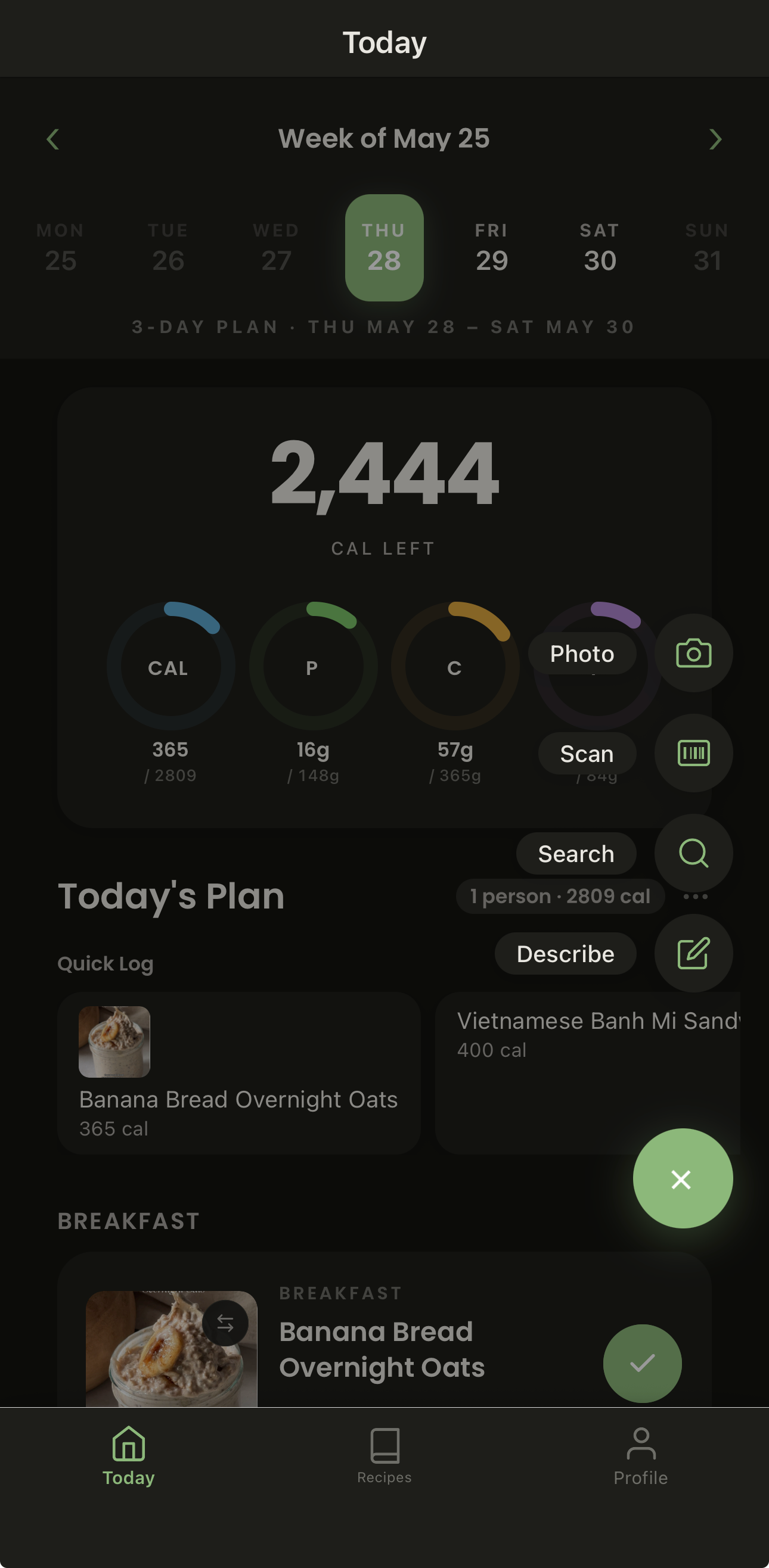
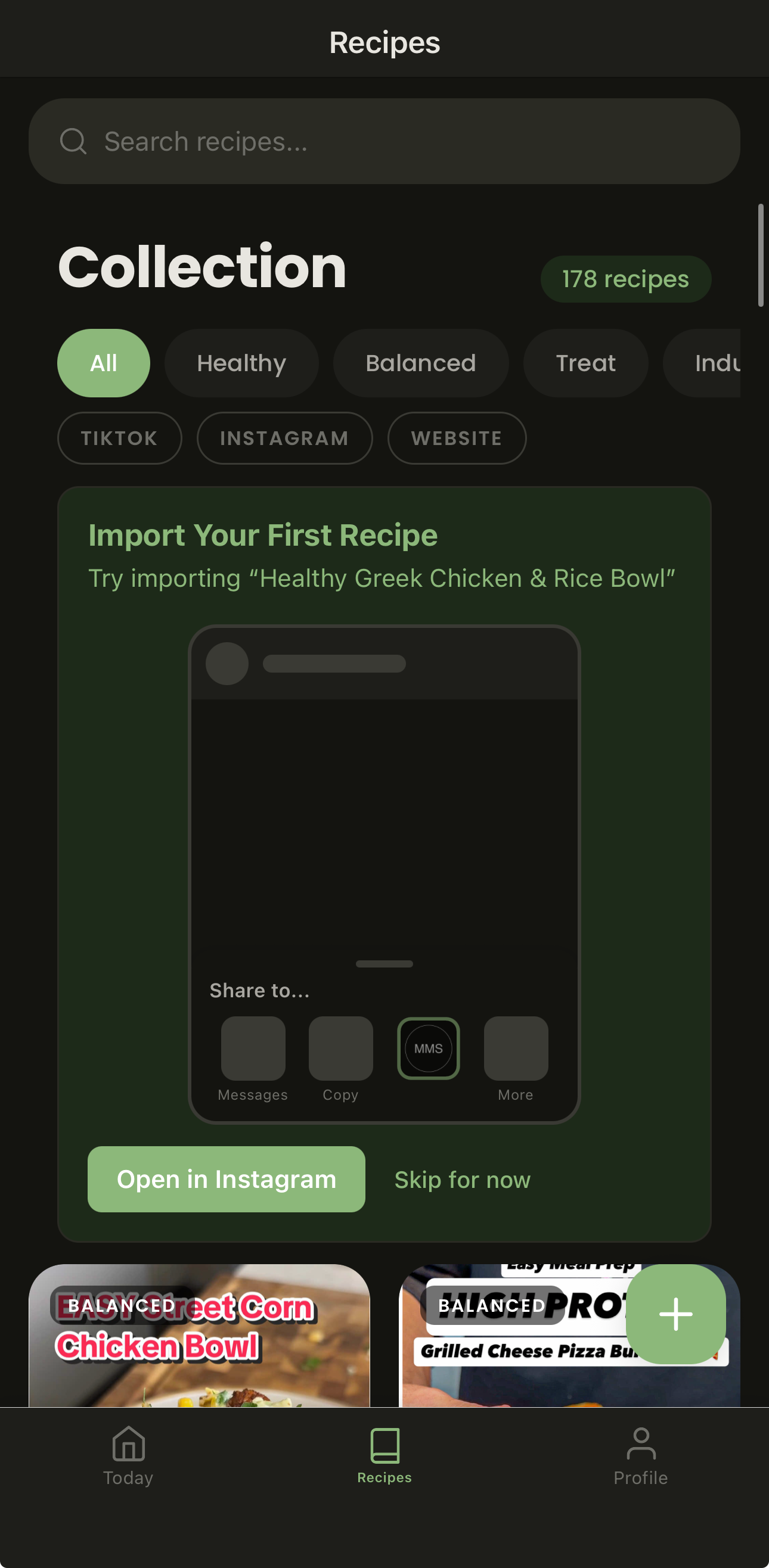
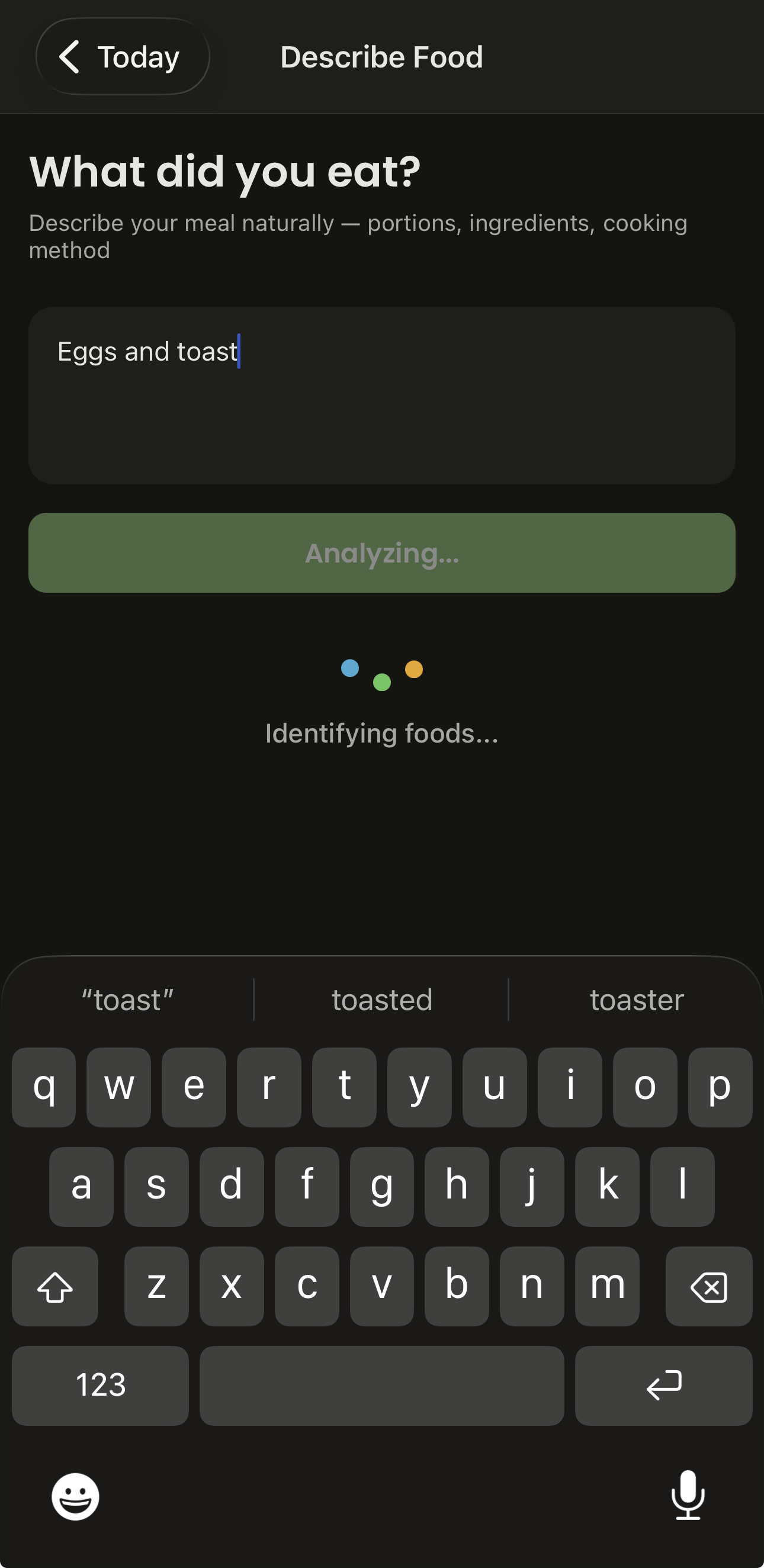
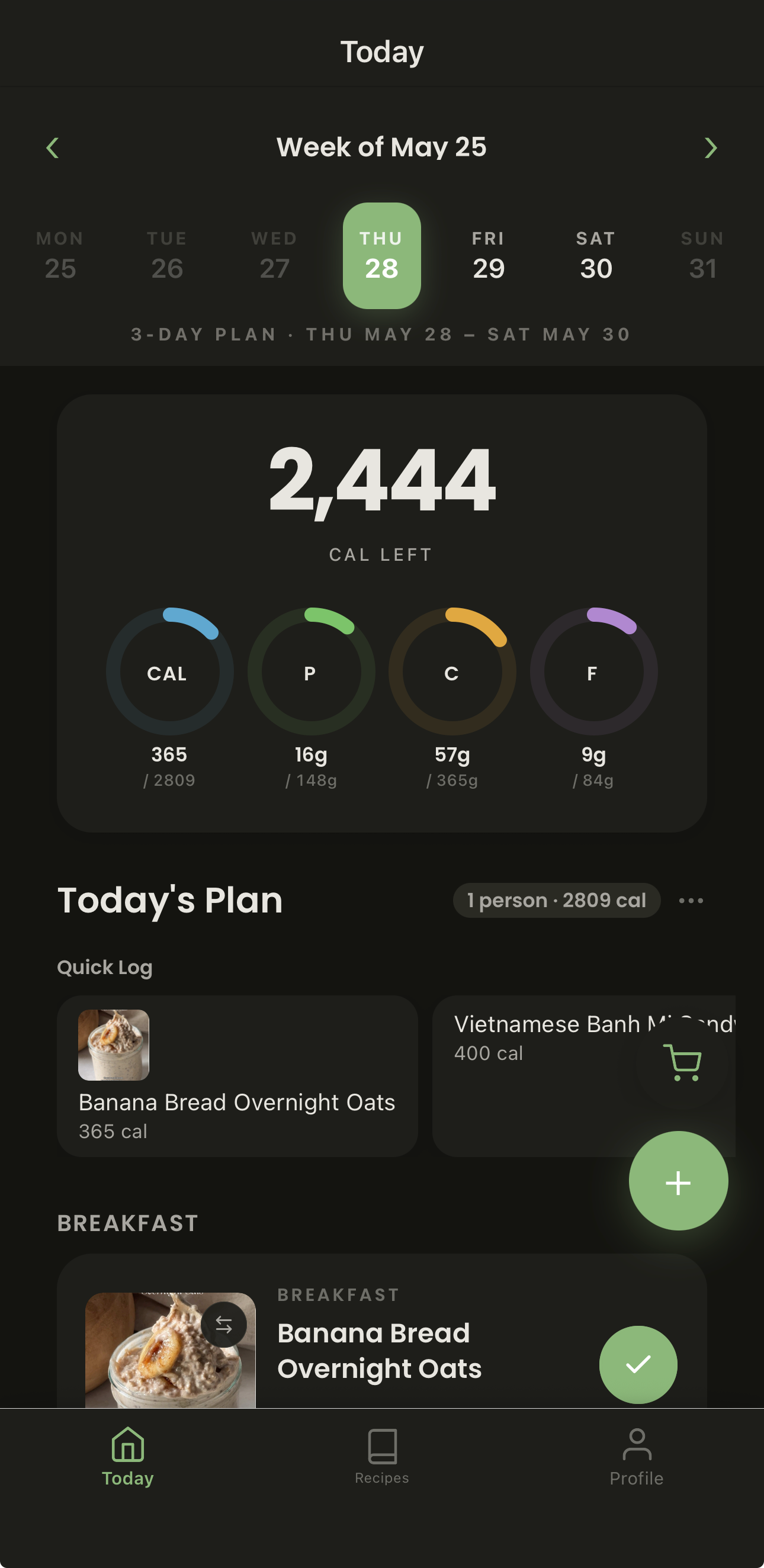
Today screen with macro tracking and meal plan Food logging options: photo, scan, search, and describe Recipe library with 178 imported recipes and macros AI food logging: describe what you ate in plain text

See it in action

📸

Import from Instagram

Share a recipe post and we'll extract ingredients, macros, and instructions automatically.

🤖

AI food logging

Snap a photo of your meal. AI estimates calories and macros in seconds, with no manual entry.

🎯

Weekly meal plans

Get a plan that fits your calorie and macro targets. Shopping list included.

How it works

1

Share the post

Found a recipe on Instagram, TikTok or Facebook? Press share and pick MyMealStream. It reads the caption, and when the recipe is in the comments it reads the creator's own comment, and when the post is a photo carousel it reads the slides. Those last two are where most recipe posts actually keep the recipe.

2

Get the real numbers

Calories and macros are worked out from the ingredient lines, matched against a food database, with cooking losses applied. Most apps take whatever number the creator typed, or guess from the name of the dish. This one does the arithmetic.

3

Plan the week and tick it off

Pick recipes into a weekly plan that fits your calorie and macro targets. The shopping list scales for cooking once and eating all week rather than multiplying everything by seven. Then log each meal as you eat it, in one tap, straight from the plan.

Common questions

Does it save recipes from Instagram reels?

Yes. Reels, photo carousels and ordinary posts. If the creator put the recipe in a comment rather than the caption, which is common because comments drive reach, it reads that too.

Does it import recipes from TikTok?

Yes, including the short share links and the photo slideshow posts. Those two are the shapes that make other apps fail, because a shared TikTok link is a redirect rather than the real address.

How accurate are the calories and macros?

Measured against recipes whose authors publish their own nutrition panels, calories land about 15 percent out on average. That beats guessing and it is not a food laboratory. A recipe with stated weights comes out close. One that says a splash of oil and a handful of spinach does not, and no app can fix that.

Is it free, and do I need an account?

Free to download, and no account is needed to use it. The free tier covers five recipe imports a month. Barcode scanning is unlimited and always free, which is the thing people most often leave another tracker over.

Where does my data live?

On your phone. Nothing is uploaded unless you sign in, and signing in is only there so you can back up and move to a new device.

Can I use my own recipes, not just imported ones?

Yes. Type a recipe in, or build one from foods in the database and it adds the macros up for you, then plan the week from a mix of your own and imported ones.

Why MyMealStream

Plenty of people who count macros find their meals on social media. They save a high protein meal prep reel, forget where it went, and end up guessing the calories anyway. MyMealStream joins those halves: a recipe saver app that keeps the recipe, a macro meal planner that builds your week from it, and a food log that ticks each meal off as you eat it.

A recipe saver app that knows what is in the food

Bookmarking a post keeps a link. Importing it here keeps the ingredients, the method and the photo, even when the creator put the recipe in a comment or across carousel slides. Then it answers the question every saved recipe leaves open, which is how many calories in a recipe like this one, per serving, worked out from the ingredient lines rather than from the title.

A macro meal planner for high protein meal prep

Set a calorie target and your protein, carbs and fat, then build a weekly meal prep plan from your own saved recipes. It works for cutting, maintaining or bulking, and for anyone who simply wants more protein without eating the same chicken and rice every night.

A shopping list from your meal plan, sized for batch cooking

The list comes straight out of the plan, grouped by aisle, with matching ingredients merged. It understands batch cooking: cook a recipe once and eat it all week, and the list buys for one batch instead of seven.

A free MyFitnessPal alternative for logging

Log food by photo, by describing it in a sentence, by searching, or by scanning a barcode, and barcode scanning is free with no limit. If you are looking for a free MyFitnessPal alternative or a simple calorie counting app that also plans your meals, this is the one that connects the plan to the log.

Latest from the blog

See every post

Free to download
No account required
Data stays on your phone
iOS + Android